PNG to VP3, for Husqvarna Viking and Pfaff.
Drop a PNG or JPG logo and get a VP3 file for your Husqvarna Viking or Pfaff machine. Watch the real needle path first, then download.
- Reading image
- Finding thread colours
- Planning stitches
- Building simulation
About the VP3 format
VP3 is the embroidery format shared by Husqvarna Viking and Pfaff machines. It stores stitches, jumps, trims and the colour of each thread step.
We check the design against common Viking and Pfaff hoops (100×100 up to 360×200 mm) and can shrink it to the hoop you have.
How it works
Drop your logo
PNG, JPEG or WebP, or paste it. A clean logo with a few flat colours sews best.
Watch it stitch
The simulation is the real file: every stitch in sewing order. Quality notes flag tiny text or hairlines before you sew.
Download for your machine
Pick your machine and get the right format, hoop check and a printable production sheet.
Examples
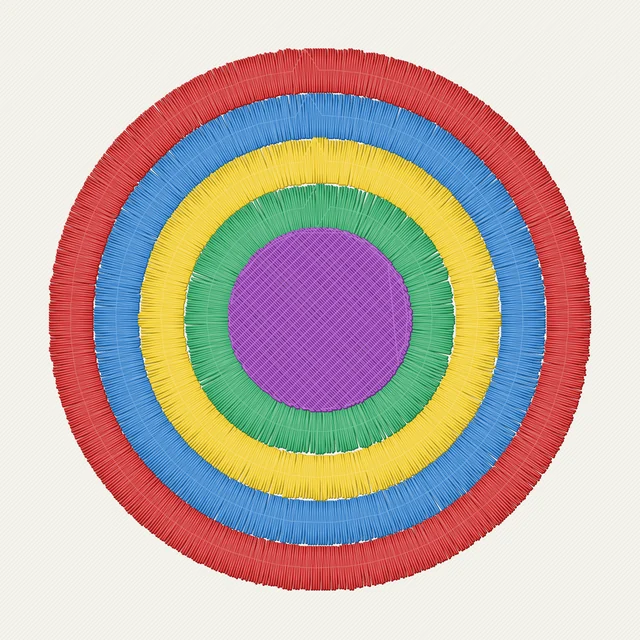
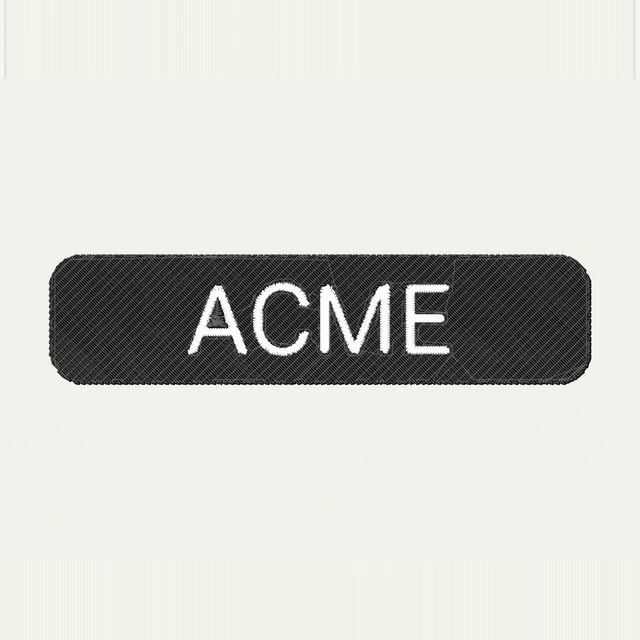
Our sample logos and the stitches they become. Pick one to run it yourself.


Our promise
Preview, simulation and production sheet are always free, and re-running a design at another size or fabric costs nothing.
Downloads are free while Stitch is in beta. When paid downloads launch, every purchase is covered: if a file sews badly, send us a photo of the sew-out and we fix it for free or refund you in full.
Questions
Which file formats do you make?
PES (Brother, Baby Lock), DST (Tajima and most commercial machines), JEF (Janome, Elna), VP3 (Husqvarna Viking, Pfaff) and EXP (Bernina, Melco). Pick your machine in the download step and we suggest the right one.
Is it really free?
Yes. The preview, stitch simulation and production sheet are free, and while we are in beta so are the downloads. No account and no card.
Which images work best?
Logos with a few flat colours and clean edges, ideally a PNG with a transparent background, at least 500 px wide. Photos and soft gradients are reduced to a handful of thread colours, so they lose detail.
How close is the simulation to the real sew-out?
It draws the exact needle path of the file: same stitches, same order, jumps and trims included. Fabric, stabilizer, tension and machine still matter, so sew a test on a scrap before a production run.
How small can text be?
Lettering under about 6 mm tall does not read well on fabric. We flag it in the quality notes; make the design wider or shorten the text.
Which fabrics are supported?
Woven cotton, knit jersey, fleece or towel, cap twill and leather or vinyl. Each preset changes density, underlay and pull compensation.
What happens to my image?
It is kept only for a short time so you can download the files, then deleted as new designs come in. There are no accounts and no public gallery of uploads.